








What is included
What gets covered in custom plugin development
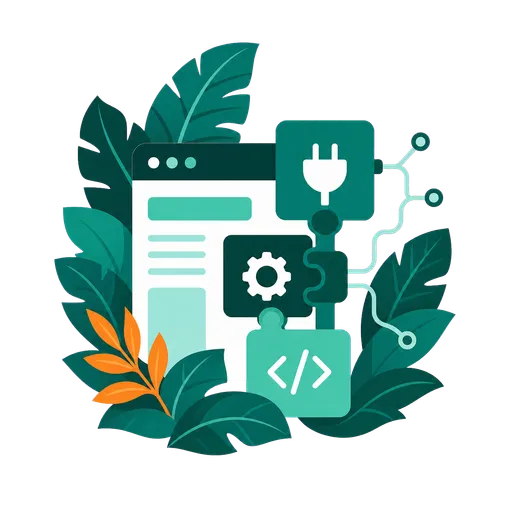
Custom plugin work usually covers one of two needs: connecting WordPress to the systems your business already uses, or replacing an oversized paid plugin with focused functionality that does exactly what you need.
Workflow fit
Functionality shaped around how your business works
Custom plugin development is useful when generic plugins force awkward workarounds or create too much operational drag. We start with the real workflow, then build the feature around the people, data, services, and decisions involved.
Business-specific logic User role planning Internal workflow support
Admin experience
Controls your team can actually manage
The plugin should be usable after delivery. Settings screens, validation rules, labels, permissions, and admin flows are designed so your team can operate the feature without editing code.
Settings screens Permissions and validation Clear admin flows
Integrations
Connect WordPress to your business stack
Many custom plugins exist because WordPress needs to talk to a system that is specific to the business. That might be an ATS, CRM, newsletter platform, internal API, reporting workflow, or several services that need to query or update WordPress reliably.
CRM and ATS integrations Newsletter and API workflows Data sync and querying
Maintainability
Built to survive future WordPress changes
Quick custom code often becomes hard to support. We keep plugin structure, naming, error handling, compatibility, and documentation in view so future updates are easier to reason about.
Clear code structure Update compatibility Documentation notes
Safer rollout
Test the important paths before launch
Before a plugin goes live, the important actions need to be tested in context. That can include permissions, forms, checkout paths, API failure states, notifications, cron jobs, and existing plugin compatibility.
Critical workflow tests Compatibility checks Rollback planning
Best route
Replace paid plugins only when it makes sense
Sometimes a business is paying every year for a large plugin or SaaS tool just to use one small feature. If that feature is stable and narrow enough, a small custom plugin can replicate the part you need, reduce subscription cost, and keep maintenance relatively light.
Build-versus-buy review Focused replacement features Lower recurring cost